Family portal · Module 20 of 20
Calendar, homework & tests
Three screens cover what's coming: the calendar for the week, homework for what's due, and the test room for a live class test the student sits in the browser.
- Route
- /calendar
- Captured in
- Firefox
- Reaches
- Parents and students
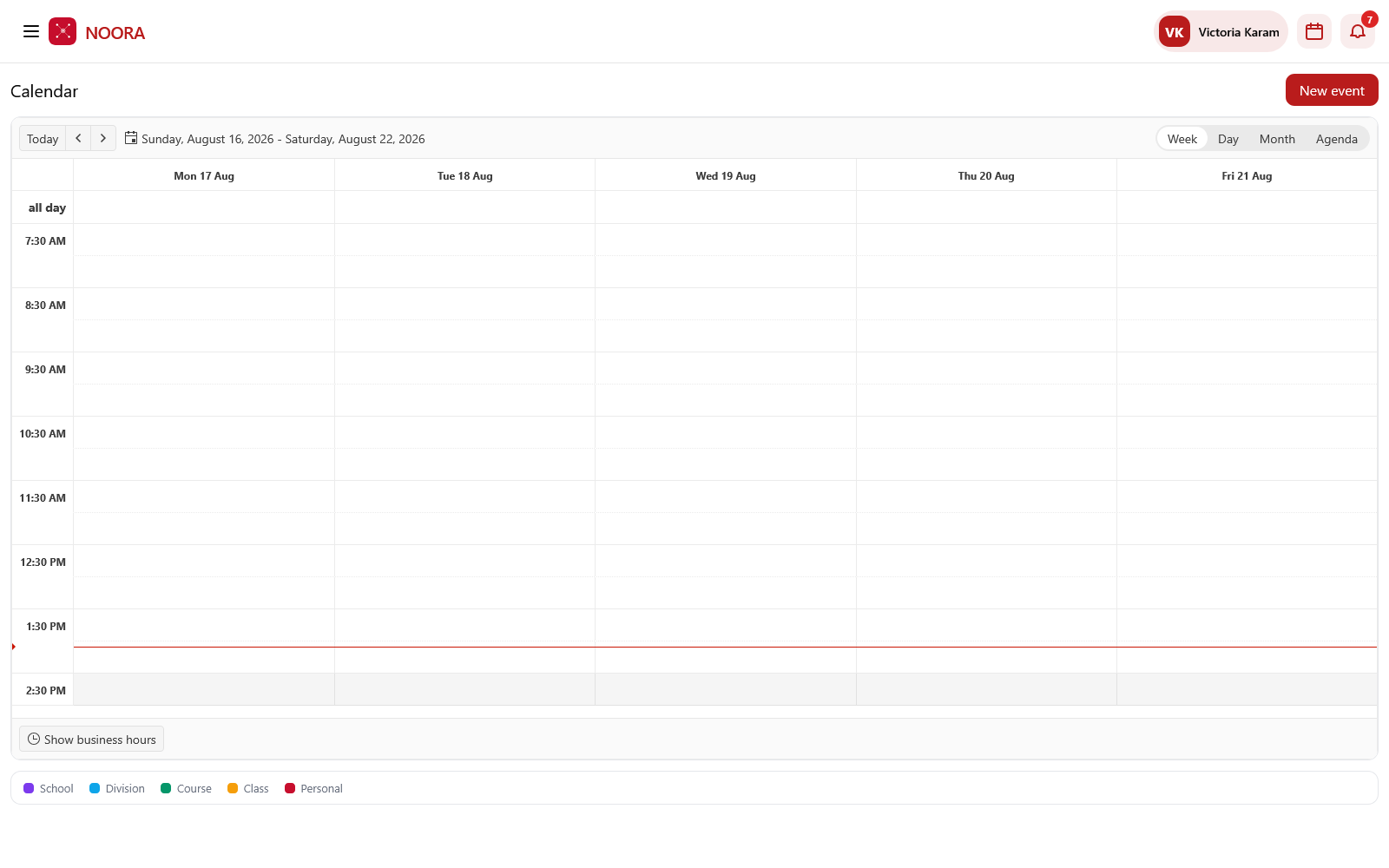
Calendar
Week, day, month and agenda views, with the scope legend doubling as a filter. Events published school-wide or to a class appear here automatically; a family's own entries stay personal to them.
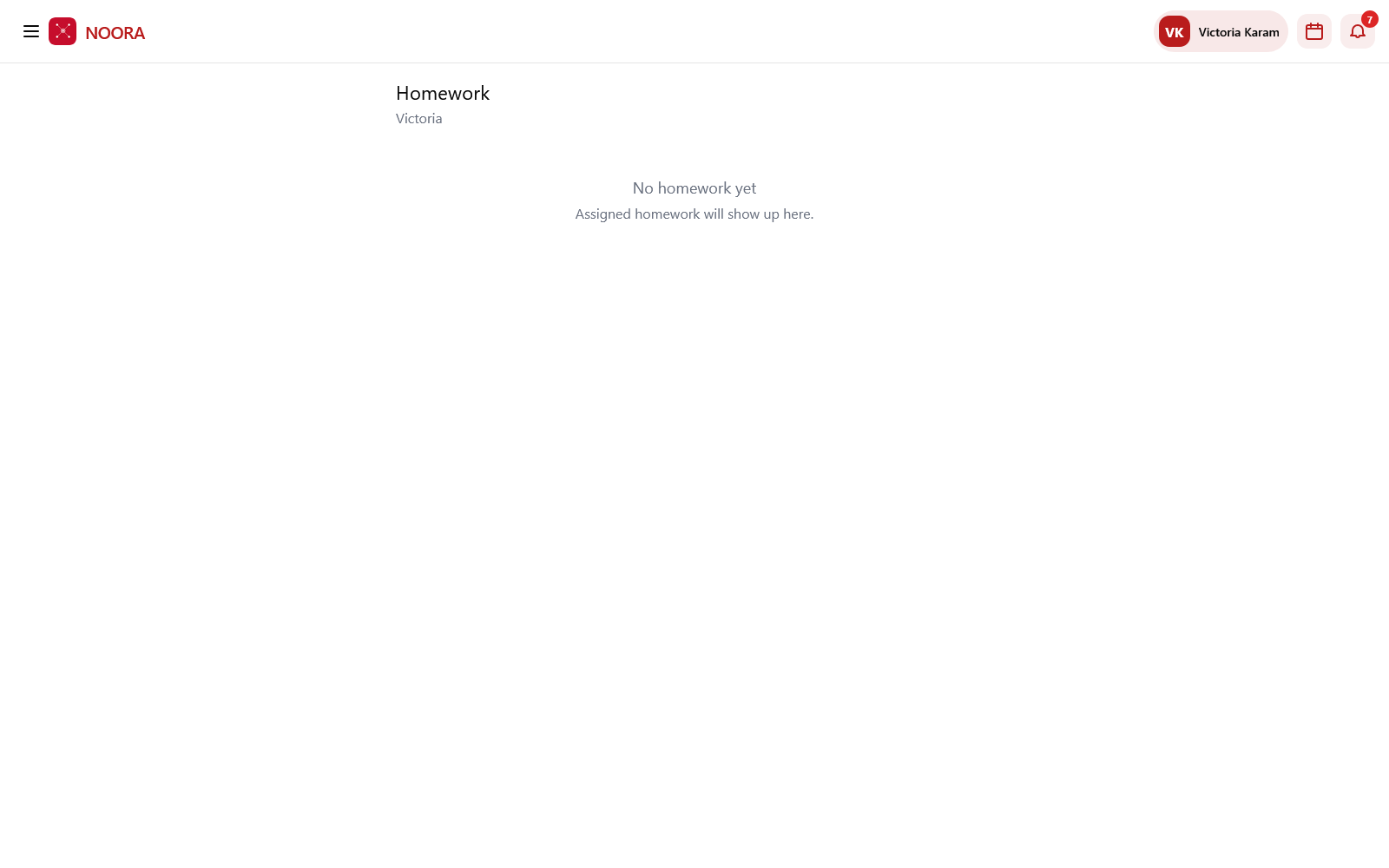
Homework
Assigned work lands on its own screen, per student. An empty list says what will fill it rather than leaving a parent guessing.
Sitting a live class test
When a teacher runs a class test, the student waits in the test room and the paper opens by itself the moment the teacher starts it, with the time allowed. Nothing to refresh, no link to miss.
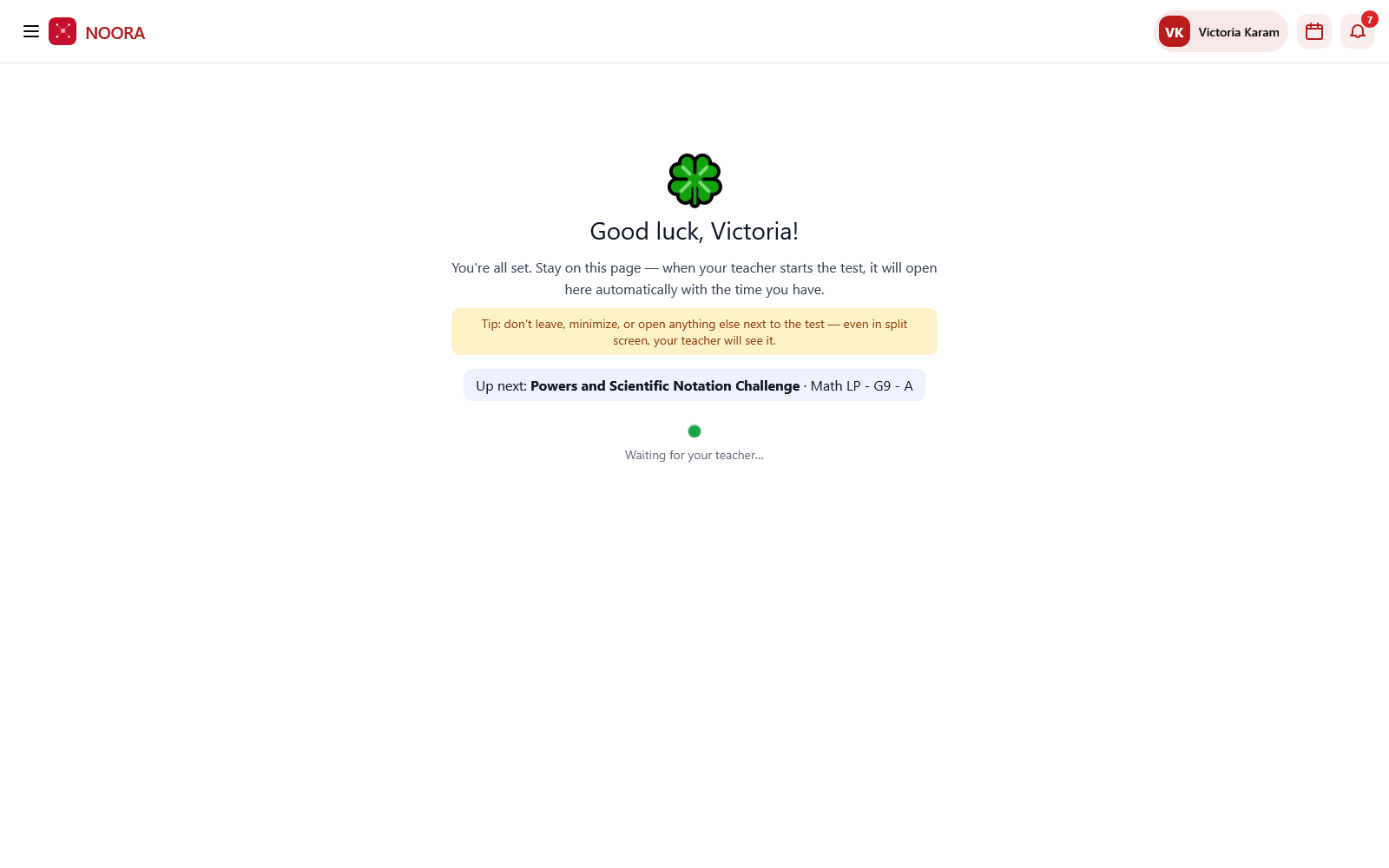
The waiting screen tells the student plainly: don't leave, minimize, or open anything alongside the test — even in split screen, the teacher will see it. The proctoring is stated up front rather than discovered afterwards.
Practice is the unsupervised counterpart: a student can ask for a practice exam at any time from Ask Noora, and the scores feed the practice figures on Student 360.