Family portal · Module 17 of 20
Grades
Grades are listed one card per course, and every card carries the same two things: the number, and what the number means. A percentage on its own tells a parent very little.
- Route
- /grades
- Captured in
- Firefox
- Reaches
- Parents and students
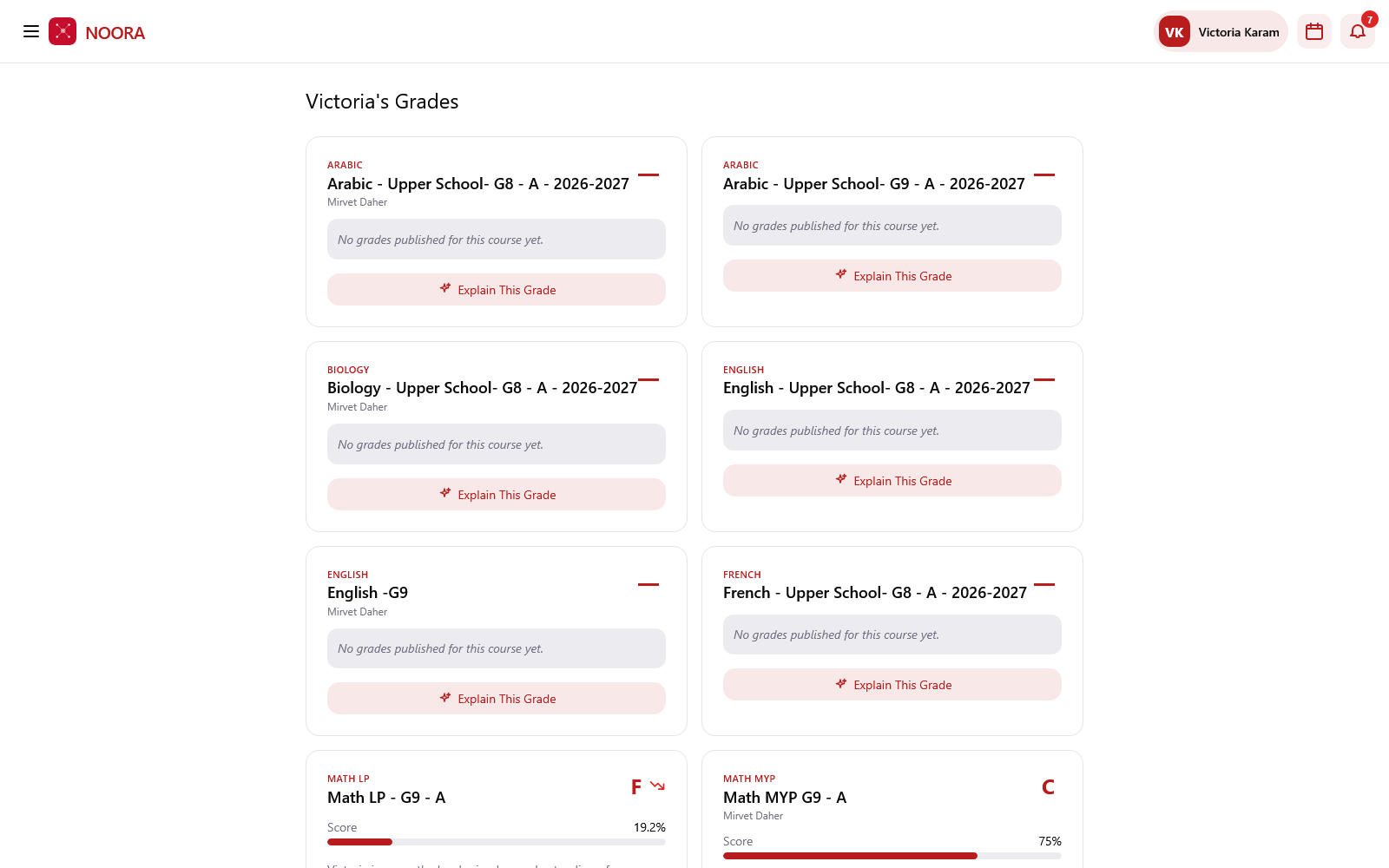
What each card shows
| Element | Holds |
|---|---|
| Subject & course | The subject label and the full course name, so parallel courses stay distinguishable. |
| Teacher | Who teaches it, where the school shares that. |
| Letter grade & score | The grade on the course's framework scale, with the percentage. |
| Written summary | What the student is doing well and where they're struggling, by topic. |
| Results published | How many results the grade is based on this year. |
Explain this grade
Explain this grade opens the reasoning behind a mark — which assessments fed it, which topics pulled it up or down, and what would move it. It's the same underlying evidence a teacher sees, put into a parent's language.
Nothing appears before the school publishes it
Courses read No grades published for this course yet until results are released. Teachers mark and review first; families see a course grade only once the school publishes it.